Talk messy.
Paste clean.
Dictation for people who talk to computers all day. One hotkey on Mac, one button on iPhone and iPad — what you said becomes clean text, right where you were working.
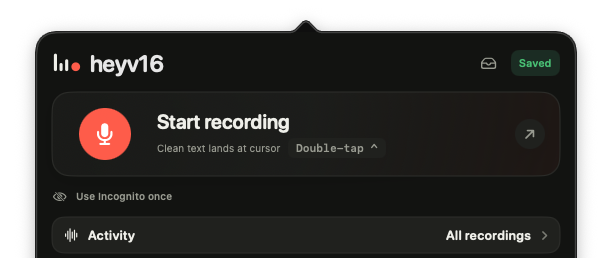
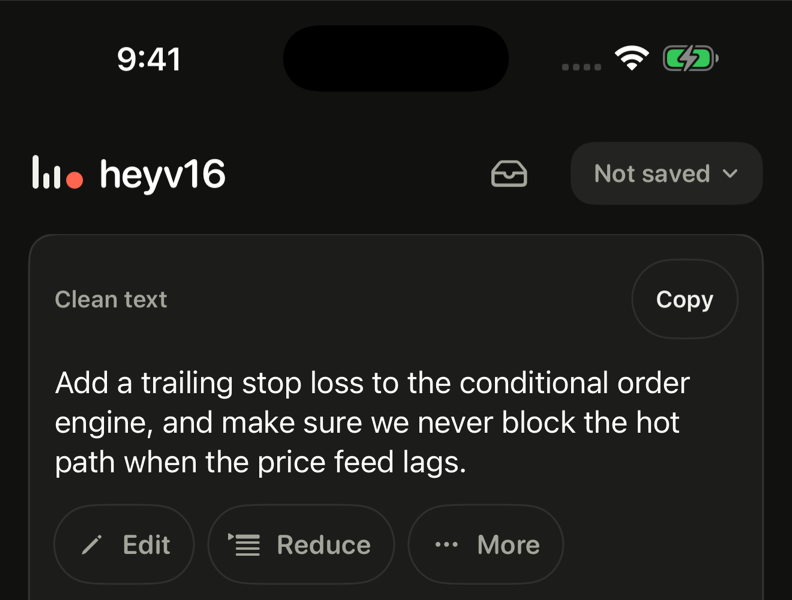
Every idea kept · every “uh” gone · nothing added · nothing summarized · nothing lost
01 · Made for
Prompt Claude, Cursor, Codex.
The prompt in your head is faster spoken than typed.
Reply on Slack.
Three paragraphs, zero typing. It lands at your cursor.
Write the email.
Say it once. Paste it, send it.
Catch the idea.
Walking, driving, cooking. Every detail kept for later.
One thing, done properly. No meeting bots, no integrations, no account required — just speech becoming clean text, in your voice, with every detail kept.
02 · How it works
Mac.
Press ⌥ space anywhere — Slack, Cursor, Mail — talk, press it again. The clean text is typed at your cursor, with the clipboard as backup.
iPhone and iPad.
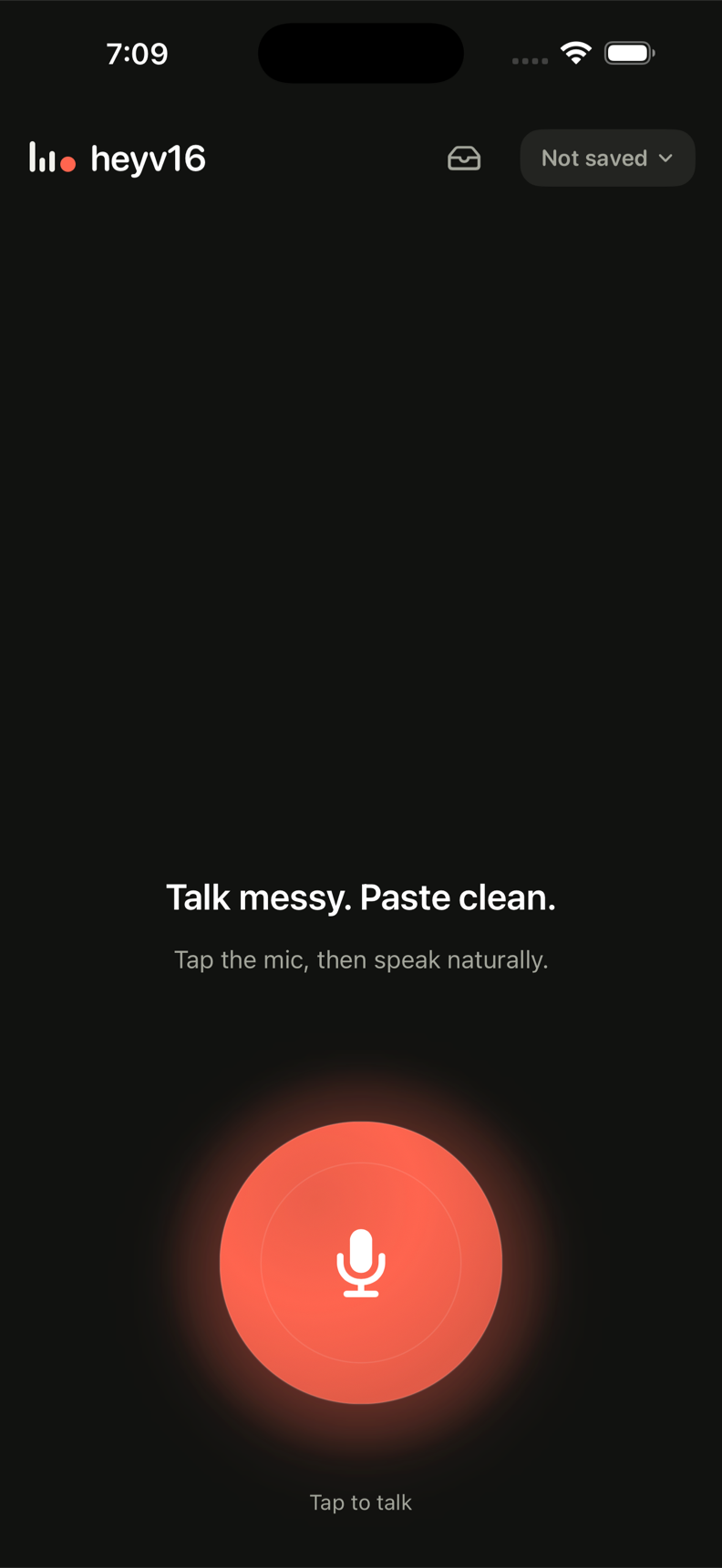
One big button. Talk, stop — the clean text is copied before you’ve switched apps, and the raw transcript stays one tap away.
Your recording is never lost. Dead spot, crash, force-quit: the audio is already safe on your device, and it retries until your text arrives.
03 · Yours means yours
Not saved is the default.
Optional history, client-encrypted at rest.
Delete means delete.
No ads and no data sales. We do not use your words to train heyv16 models. The privacy policy is written to be read.
Stop typing what you can say.
Mac is available now. iPhone and iPad are in TestFlight while App Store review is prepared. No account required and no setup beyond microphone access.